Installing software from Software Center
Note that when you are not connected to the college's network, at home or traveling, VPN is required to use the Software Center.
- Search for "Software Center" in the Windows start menu.
- Via the "Applications" menu you will find an overview of software, and you can also use the search field in the top right.

- Click on the software you want to install. This will take you to the software's page, where you will find the "Install" button.
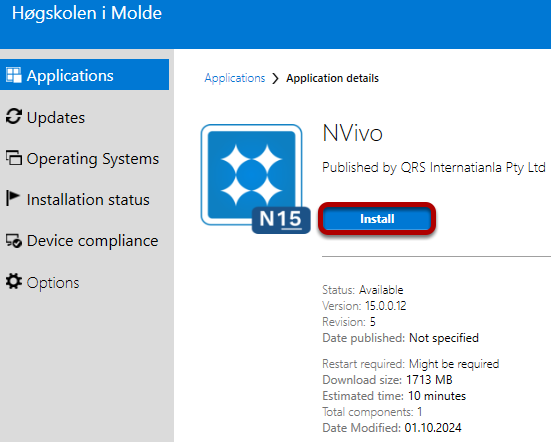
- Click "Install" to install the software.
Once the software is installed, you can find it via the Windows start menu.