How to edit
- Go to your profile.
Search for your name at https://www.himolde.no/english/people/ (English) and https://www.himolde.no/ansatte/ (Norwegian)
- Click “log in” in the bottom menu (bottom right corner)
- Go to the index.html-file. Select the “edit" tab
- Edit your text and upload your photo.
- Click “Save and view".
Photo selection
Choose a photo taken within the last two years in which you are looking directly at the camera with good lighting. Avoid full‑body shots.
Photo size: 200 x 270 px.
The centre of the image is shown, so make sure there's enough room around your face in the photo so it won't be cropped in an akward way.
.jpg)
Press photo
If you have a leadership or manager role, or speak to journalists as part of your job, you must also upload a press photograph.
The press photo should be in the format 1920 x 1280, aspect ratio 3:2.
Need a new photo?
Contact Aksel Bølgen Sandvik: aksel.b.sandvik@himolde.no
How to edit text
Fill in:
Areas of work
Background
Write in descending order, put the most recent activity first.
See example below:
Background
- 2021–2015 PhD programme in Health and Social Sciences: Professional practice: conditions and development
- 2012 Master in Psychology (MPhil in Psychology), Programme in Cultural and Social Psychology, UiO, 2012
- 2009–2006 Bachelor in Philosophy, UiO 2006–2009
For academic staff, research projects, groups and publications should appear automatically.
Notify webmaster@himolde.no if this does not happen.
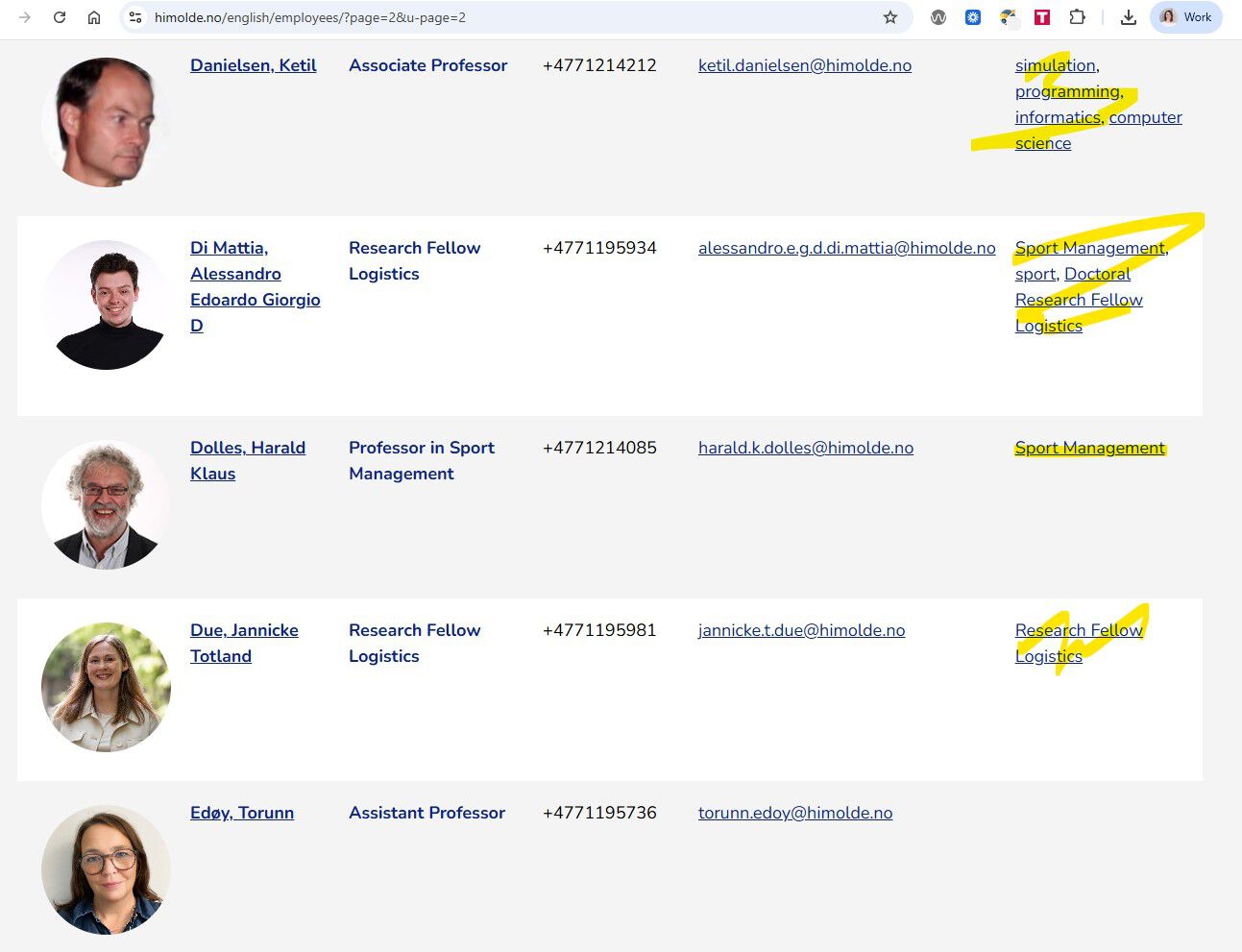
Keywords / tags
Keywords appear in listings and can help readers find the right person. You choose the keywords yourself.
Contact person

- marit.a.letnes@himolde.no
- Phone
- +47 90 79 16 09